

A Guiding Line
Soldering block markups for precision placement
By Helen I. Driggs
It seems that no matter how exact you think you are (or used to be), the older your eyes get, the harder exactness becomes. I’ve always had issues lining up things on my soldering block due to a vision problem, and lately I have had to unsolder more work than I’m happy with. I’ve finally decided to take action and mark some helpful guidelines on my soldering block.
To mark your own guidelines, you’ll need a new soldering block, a ballpoint pen (not a Sharpie), a T-square, a ruler, a 90-degree angle, and a circle template.
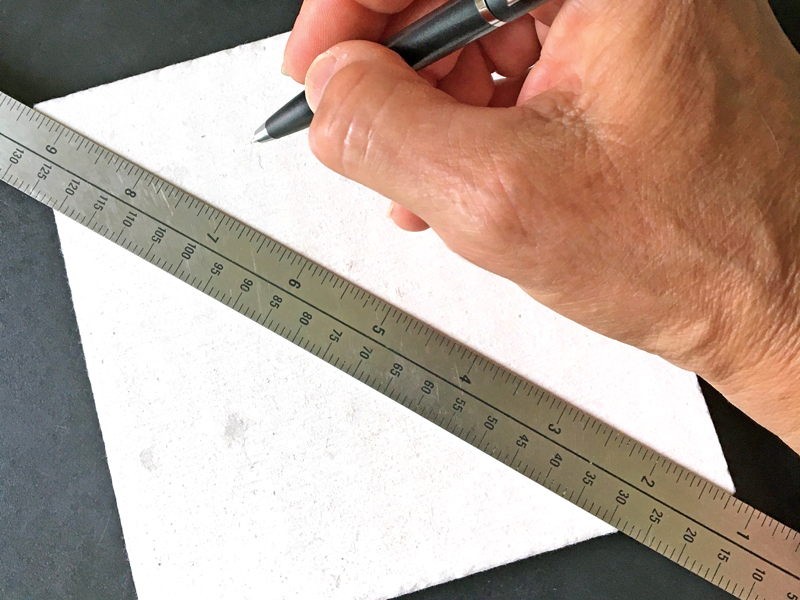
1a. No matter what dimensions your block has, you must find the center. The easiest way to do that is to first mark the diagonals, as the intersection of the two lines will indicate the center point.
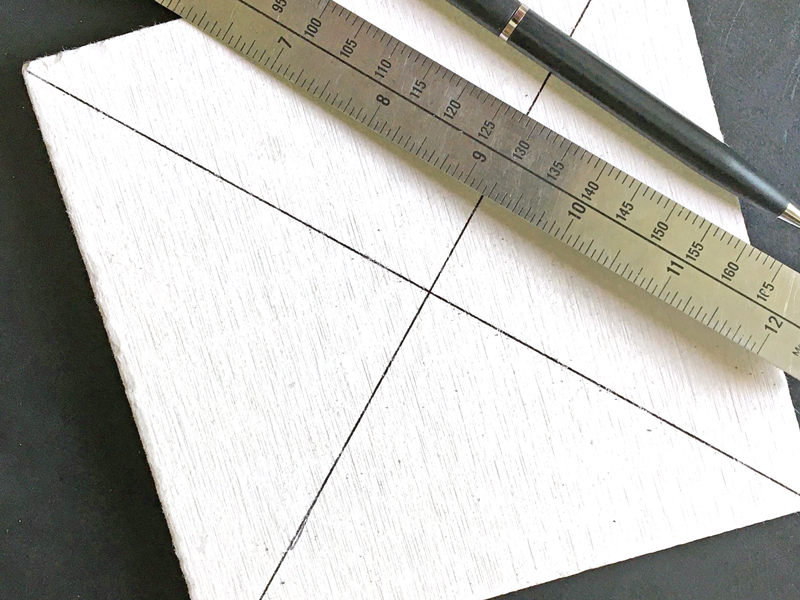
1b. Use a ballpoint pen to make the lines since the heat of the torch will eventually burn off any Sharpie marker lines.
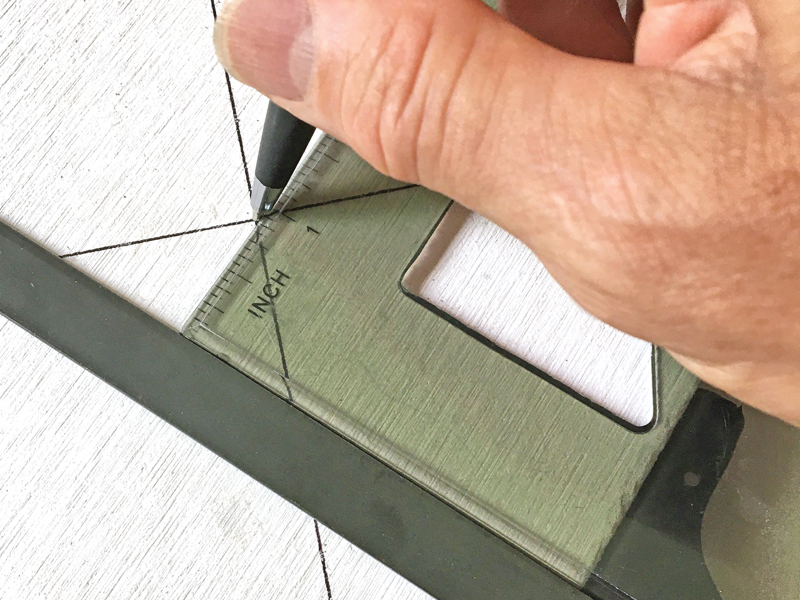
2. To extend additional reference lines from the center point, position the pen on the center dot and draw lines out to the edges. I use a T-square and angle to accomplish this, but you could also measure with a ruler.
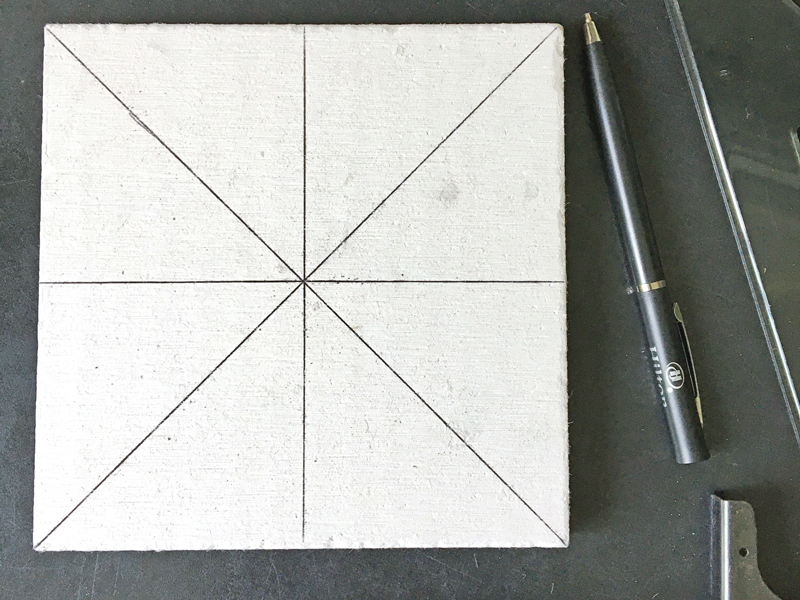
3. At the bare minimum, mark the block into four quadrants and the diagonals. This will assist you with placement of radially symmetrical elements.
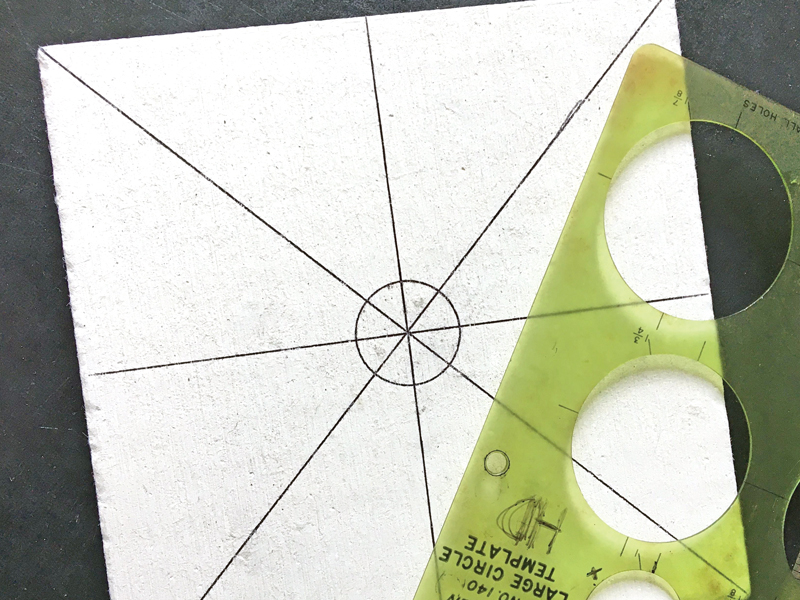
4. I also find it helpful to mark a 1 inch circle in the center of the block. Use a drafting template to position the circle.
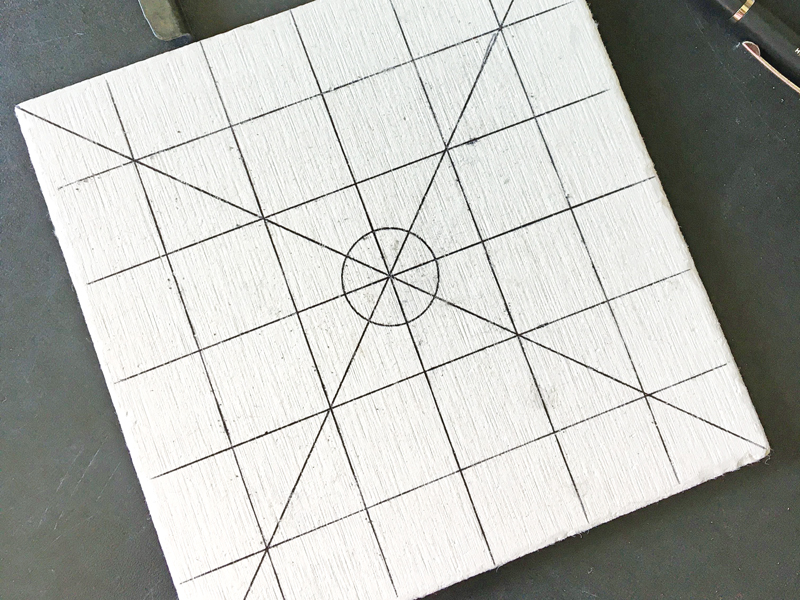
5. Another helpful set of marks is a grid. In this example, I created 1 inch markings, but you can mark the block in any way that makes sense for your work.
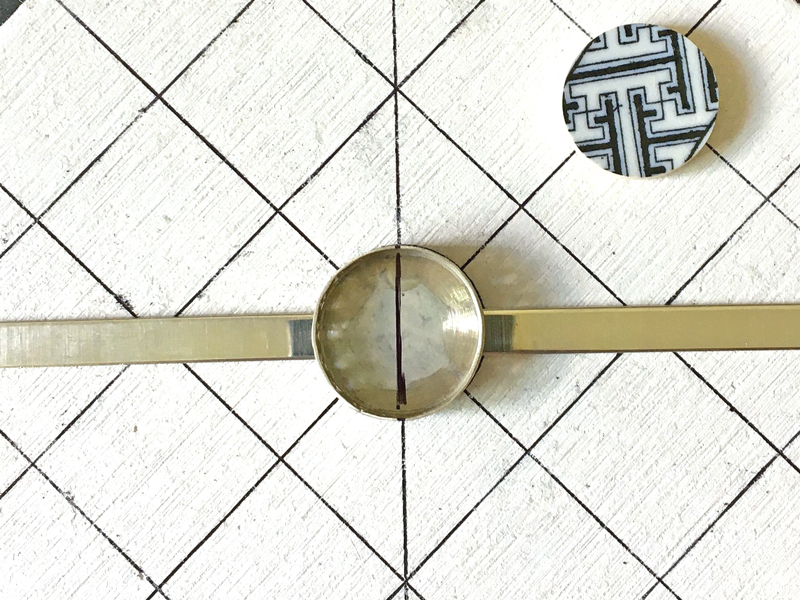
6. To use the block, simply line up the block markings with the Sharpie or scribe centering lines indicated on the elements you intend to solder.
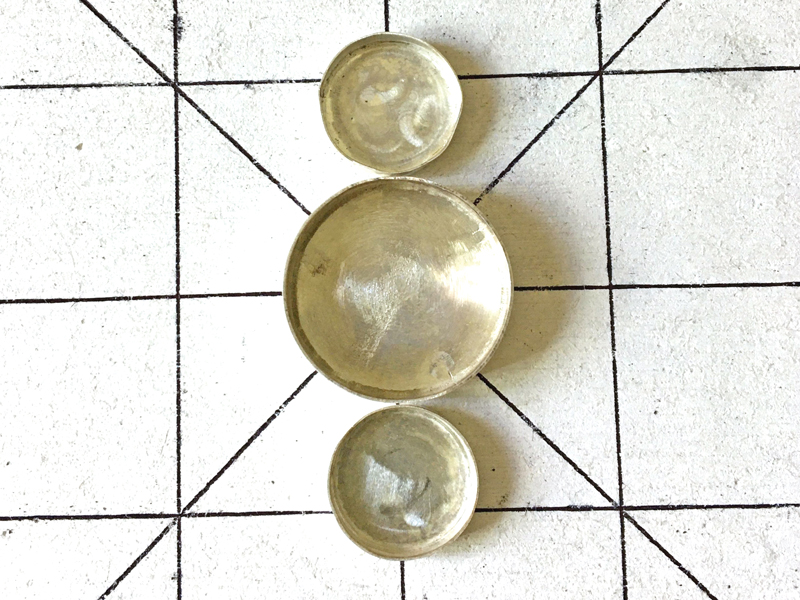
7. I find having a background grid makes it much easier to get a visual reference for the alignment of soldered elements.